I was sitting at my desk last Tuesday, taking a quick break from writing Python automation scripts, when I made the mistake of looking at my personal bank statement.
Instantly, I felt that familiar, sinking pit in my stomach.

You know the feeling. It happens when you spot a charge for $14.99 from a company you haven’t thought about since 2024. For me, it was an “AI Headshot Generator” I used once for a quick LinkedIn profile refresh.
I swore I had cancelled it. I vividly remembered clicking those tiny, grayed-out “cancel” links hidden behind three aggressive confirmation screens.
But there it was, three months later, still happily munching away at my bank balance like a digital parasite.
The Era of the “Vampire Subscription”
If you’re anything like me, your digital junk drawer is overflowing. We live in an era where everything is a subscription.
From your toothbrush to your photo editing software, every company wants a recurring slice of your paycheck. They call these “Vampire Subscriptions,” and honestly? They are winning.
The average person is bleeding out about $130 a month on tools and apps they don’t even use. That is over $1,500 a year.
That’s a vacation. That’s a high-end monitor. That is a lot of wasted coffee money.
I used to look at apps like Rocket Money to fix this. But then I realized the painful irony: I was being asked to pay a monthly subscription… just to find my monthly subscriptions.
It felt like fighting fire with more fire. So, I decided to take matters into my own hands using the AI tools I already use every day for my website workflows.
The “Dirty Secret” of Data Hygiene (Safety First)
Before we dive into the prompts, let’s have a heart-to-heart about security. I see people on Reddit all the time saying, “Just upload your bank PDF to ChatGPT!”
Please, for the love of your credit score, do not do that.
Public AI models are incredible, but they are not your personal vault. Anything you feed them can theoretically be used for training or seen by a human reviewer on the back end.
I never, ever paste my raw bank statement into an AI. Instead, I use what I call the “Sanitize and Destroy” method.
I take my data, strip away everything that identifies me (my name, my full account number, my home address), and only keep the “meat”—the dates, the merchant names, and the transaction amounts.
If the AI doesn’t know whose data it is looking at, it can’t hurt me.
Pro Tip: I also always use “Temporary Chat” or “Incognito” modes when using ChatGPT for this. This ensures the conversation isn’t saved to my history.
Step 1: Forcing the Bank to Hand Over Raw Data
Banks love PDFs because they are intentionally hard to read. They want your transactions to look like a cluttered wall of text so you will glaze over and ignore that random $4.99 charge.
To beat them at their own game, you need raw data.
- Log into your portal: Use a desktop computer. It is much easier to manage spreadsheets on a desktop than a mobile app.
- Export activity: Look for the “Export” or “Download Activity” button.
- Choose CSV: Select the CSV (Comma Separated Values) format. This opens cleanly in Excel or Google Sheets.
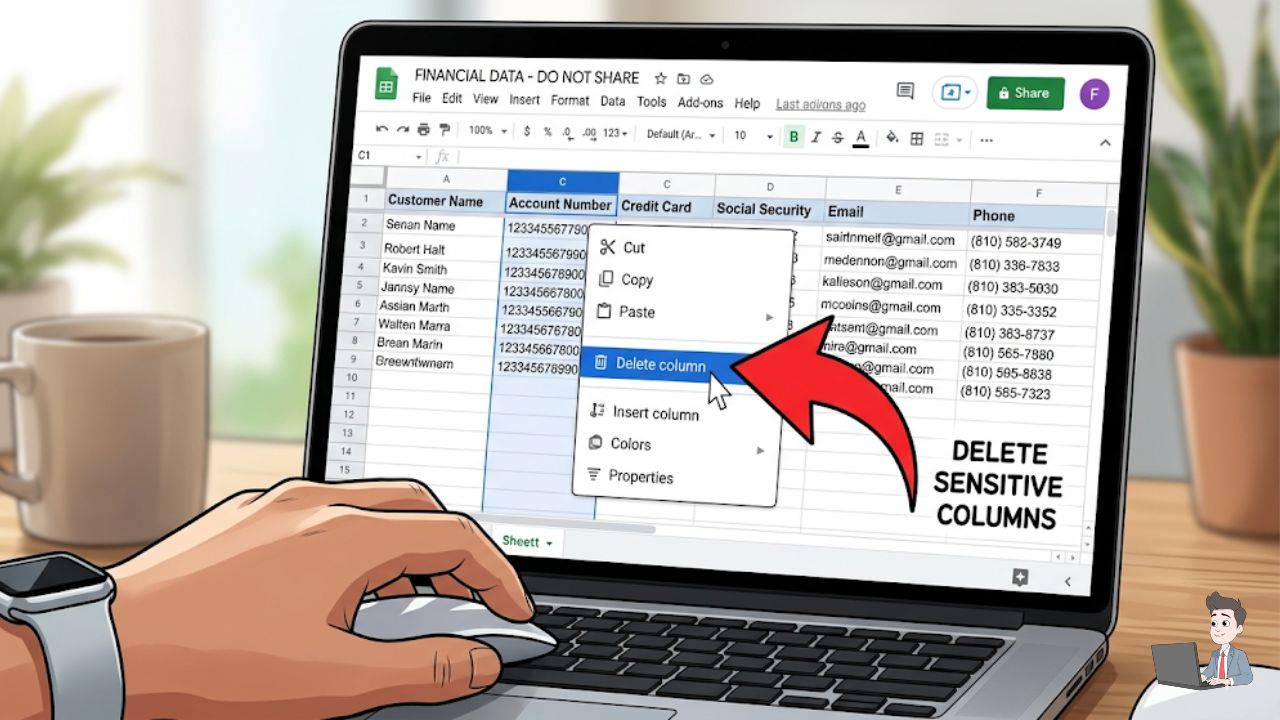
- Strip the data: Ruthlessly delete the columns for “Balance,” “Account Number,” and “Check Number.”
All you should have left are three columns: Date, Description, and Amount.
Note: I usually grab the last three months of data. One month isn’t enough to catch the clever quarterly subscriptions.
Watch this excellent breakdown by Joshua Mayo on how AI is changing personal finance before moving to the prompt section below.

Step 2: Training Your AI “Forensic Accountant”
Now it is time to put the AI to work. Copy those three columns from your spreadsheet and head over to your AI tool of choice.
Instead of just asking, “What am I spending money on?”, you need to give the AI a specific persona. I tell it to act like a skeptical, slightly annoyed accountant.
Here is the exact prompt I use:
“I’m going to paste an anonymized list of my bank transactions from the last 90 days. I want you to act as my forensic financial auditor. Your goal is to find ‘Vampire Charges’—anything recurring, hidden, or unnecessary.
Specifically:
- Identify Patterns: List every merchant that appears more than once at the same price point.
- Flag ‘Ghost’ Trials: Look for names that sound like apps or software (e.g., ‘Genie AI’) and flag them.
- The Small Leaks: Highlight any charge under $10.
- Calculate the Damage: Tell me exactly how much these will cost me over the next 12 months.”
When I ran this myself, the results were embarrassing. I found a $7.00 charge for a “Premium” version of a weather app I didn’t even remember downloading.
The AI flat-out told me: “You are paying $84 a year to see if it is raining. You have a window for that.”
Step 3: Defeating the “Boss Fights” (The Traps)
Finding the charges is the easy part. Killing them? That is where the real battle begins.
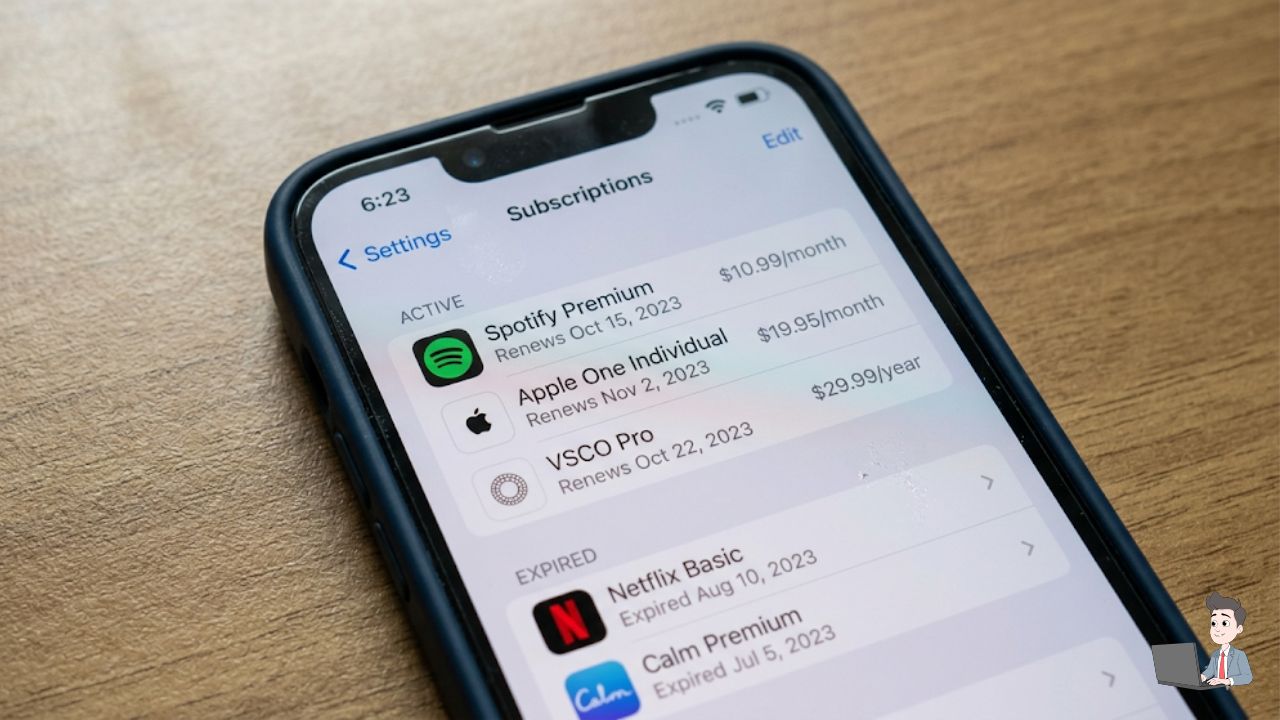
1. The “Hidden” AI App Traps Deleting an app from your home screen does absolutely nothing. The charge comes through Apple or Google, not the app company itself.
- On iPhone: Go to Settings > [Your Name] > Subscriptions.
- On Android: Open the Play Store > Tap your Profile > Payments & Subscriptions.
2. Regional Nightmares (Airblue & MTN) If you manage international accounts, you know the pain of regional carriers.
- Airblue (Pakistan): Their “Manage Booking” portal is your best friend. If you call their center, they will often tack on an “agent fee.” Always cancel online.
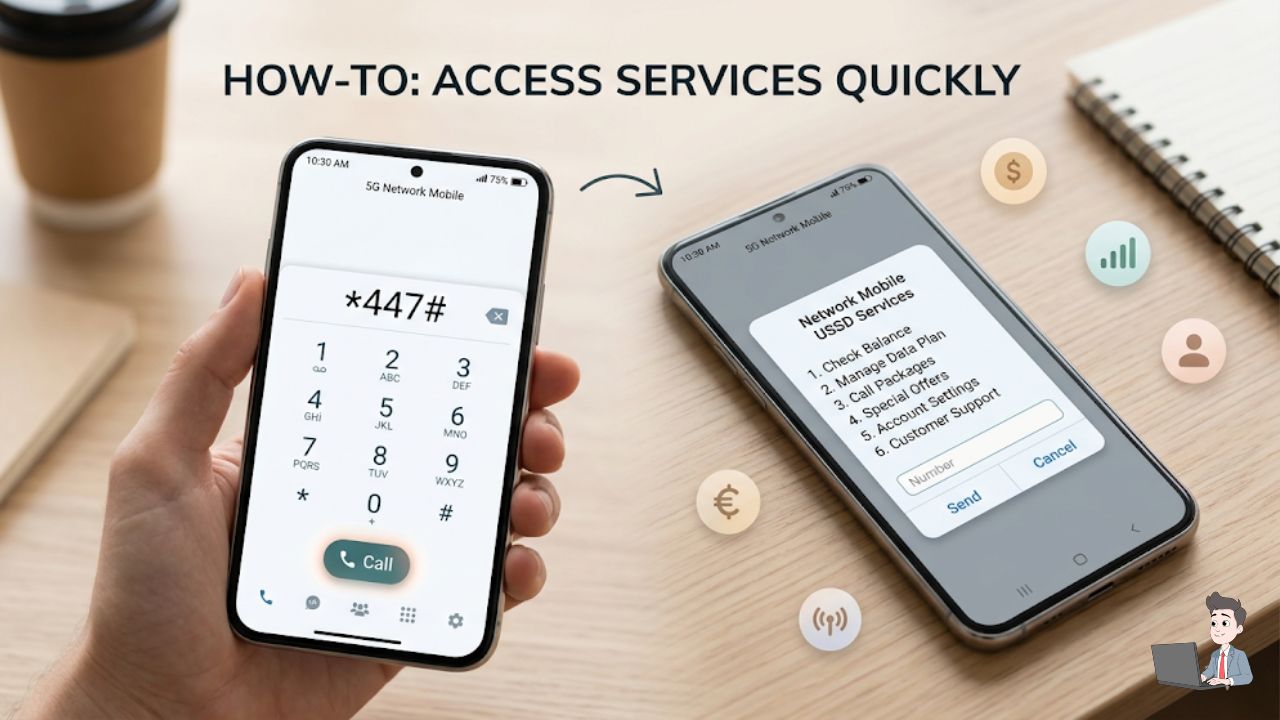
- MTN (Nigeria/Global): If your prepaid balance is vanishing, you have likely been signed up for “VAS” (Value Added Services). Dial
*447#immediately. It is the universal “stop” menu.
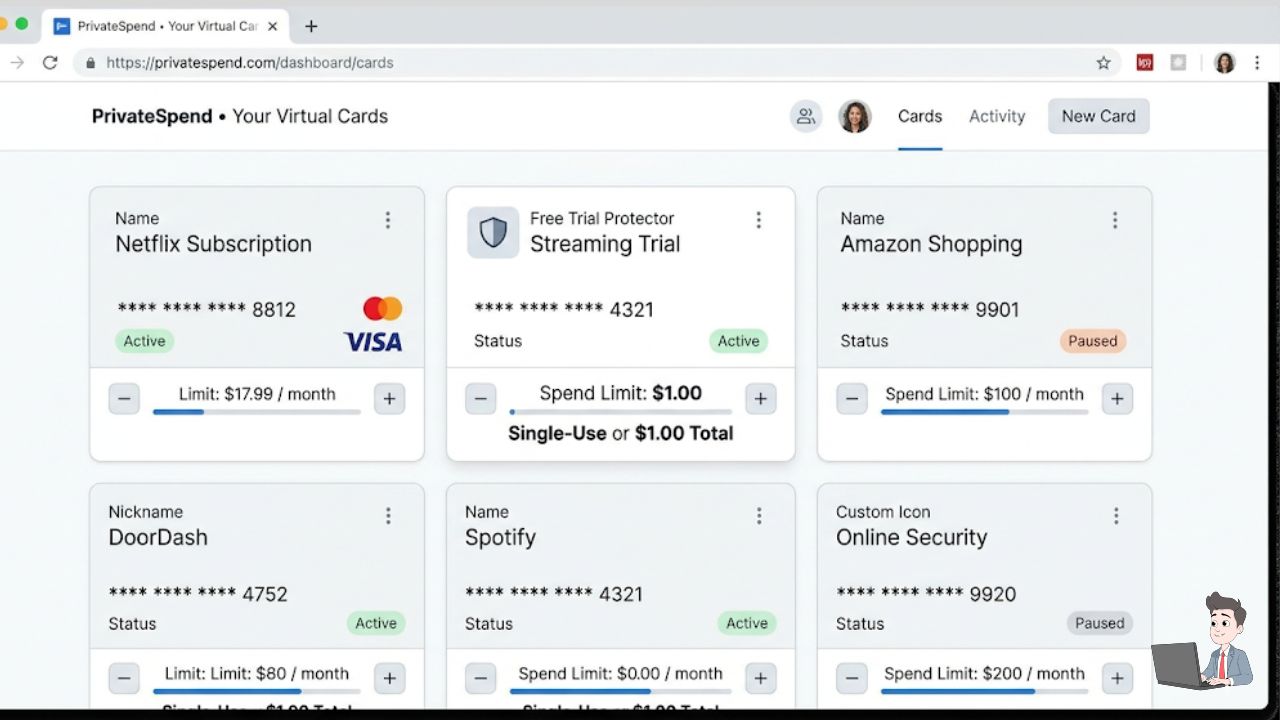
Step 4: My Strategy for the Future: “Burner” Cards
The biggest lesson I have learned? Never give a subscription-based company your real debit card number.
I have started using virtual “burner” cards. When I sign up for a “14-day free trial,” I create a virtual card with a strict “Total Spend Limit” of $1.00.
When the company tries to charge me $59.99 on day fifteen because I forgot to cancel? The transaction just declines.
My bank doesn’t get a fee, and the company just sends me a polite email saying my “account is on hold.” That is exactly where I wanted it.
The Bottom Line
We are built to be passive. These companies rely on our “set it and forget it” mentality to keep their stock prices up.
But taking 20 minutes once a month to run a sanitized CSV through an AI auditor is the difference between having an extra $100 in your pocket or giving it away to a stranger.
Don’t be the prey. Run the audit this weekend. It feels incredibly good to be the hunter for a change.
Financial Disclaimer: This article is for informational and educational purposes only. I am sharing my personal financial workflows. This does not constitute certified financial or legal advice. Always consult with a professional before making major financial decisions.
About the Author: The author is the founder of Profit Shield AI, specializing in Python scripting and website automation. They are dedicated to turning complex tech workflows into simple, human-friendly solutions that protect your time and money.