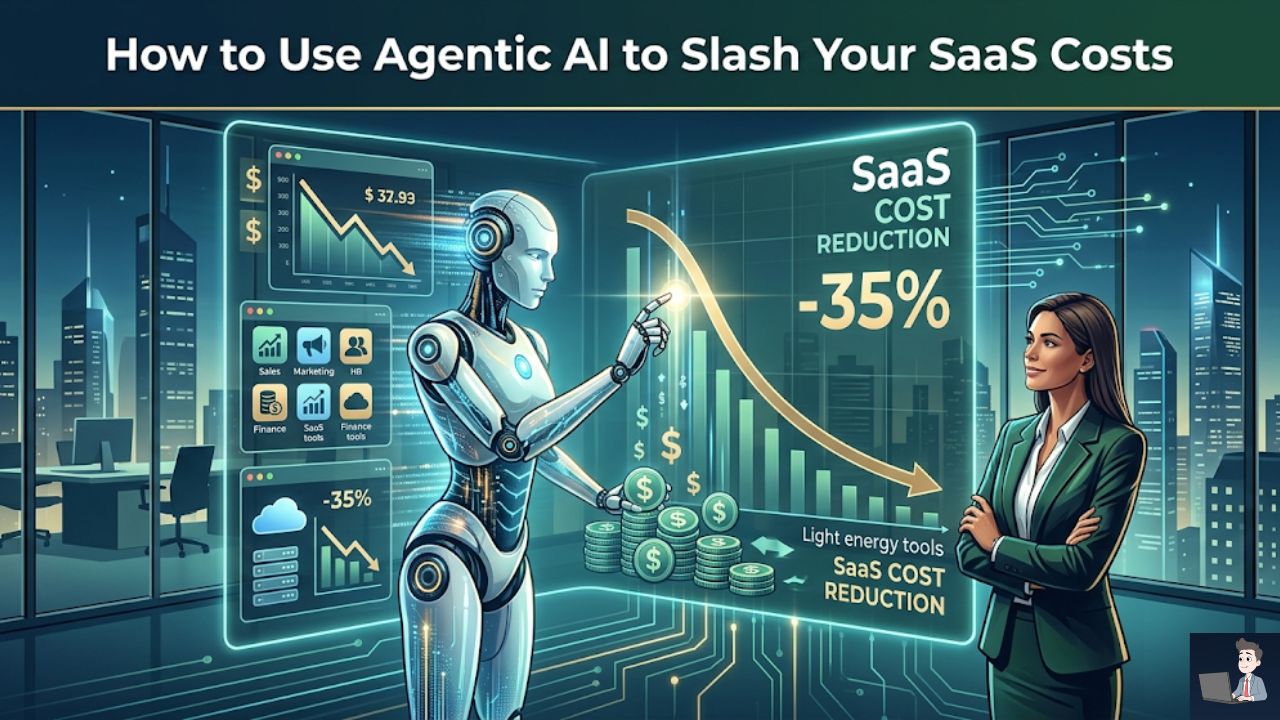
I’ll never forget sitting in my home office at 11:00 PM on a Tuesday, staring blankly at my profit and loss statement.
I was completely exhausted after a long day of optimizing ad campaigns, managing contractors, and putting out client fires.
I was reviewing our monthly overhead when I noticed a trend. My web hosting, my CRM, and our email marketing platform had all auto-renewed that week.
But they didn’t just renew at the standard rate. They had quietly bumped their prices up by 15% to 20%.
I felt a knot form in my stomach. It felt like a silent shakedown.
Every vendor I relied on was slowly squeezing my margins, banking heavily on the fact that I was simply too busy running the actual business to fight back.
And let’s be honest—they were absolutely right.
If you are like most hardworking founders, you have probably opened a blank tab and frantically searched, “How to politely ask for a software discount in an email.”
You desperately want to lower your operational costs, but you dread the awkward, back-and-forth haggling. You don’t want to sound cheap, and you certainly don’t want to ruin a critical vendor relationship.
Take a deep breath. You never have to write one of those stressful, awkward emails ever again.
In the last year, the tech industry has quietly rolled out the ultimate margin-saver: the “Robot Negotiator.”
Here is exactly how modern businesses are using Agentic AI and automation to outsmart algorithmic pricing, push back on sneaky renewals, and slash their overhead—without you ever having to feel uncomfortable.
Phase 1: The Human Dilemma and the “Tail Spend” Trap
To fix the leak in your budget, we first have to talk about human psychology.
The number one reason vendor costs spiral out of control is incredibly simple: we hate conflict.
When a supplier sends a new quotation or a pricing update notice, our natural human instinct is to just pay the invoice to keep things moving smoothly. We worry about the tone. Am I being too aggressive? Will they throttle my server speed? Will they drop my account entirely?
In corporate finance, this is known as the “Tail Spend” Trap.
You might bravely negotiate your massive office lease or a bulk raw materials contract, but you completely ignore the fifty smaller SaaS subscriptions, wholesale orders, and digital tools you pay for every single month.
Those smaller expenses make up the “tail” of your budget. Vendors know you won’t fight over a $50 price hike. They bank entirely on your silence.
Phase 2: Enter the Machine: Agentic Procurement
To protect your profits, you need to remove human emotion from the equation entirely. This is where a massive shift in 2026 technology steps in: Agentic AI.
Unlike a basic chatbot that just generates text for you to copy and paste, an Agentic AI acts as your personal, autonomous financial advocate. Platforms like Pactum AI and Nibble are literally designed to execute the negotiation on your behalf.
Here is exactly how this automation works to protect your wallet:
- The Contract Scan: The AI connects directly to your accounting software or tracking sheets. It silently monitors your outgoing cash flow and flags every single contract or subscription that is renewing in the next 60 days.
- Real-Time Market Leverage: The AI instantly scrapes the web for current market data. If you are buying server space, and the AI sees that global AWS hosting costs dropped by 4% this year, it securely logs that data as negotiation ammunition.
- The Autonomous Execution: Using API integrations, the AI drafts and sends a perfectly polite, data-backed email directly to your vendor’s billing team. If the vendor replies with a counter-offer, the AI reads it and pushes back based on strict guardrails you set in advance.
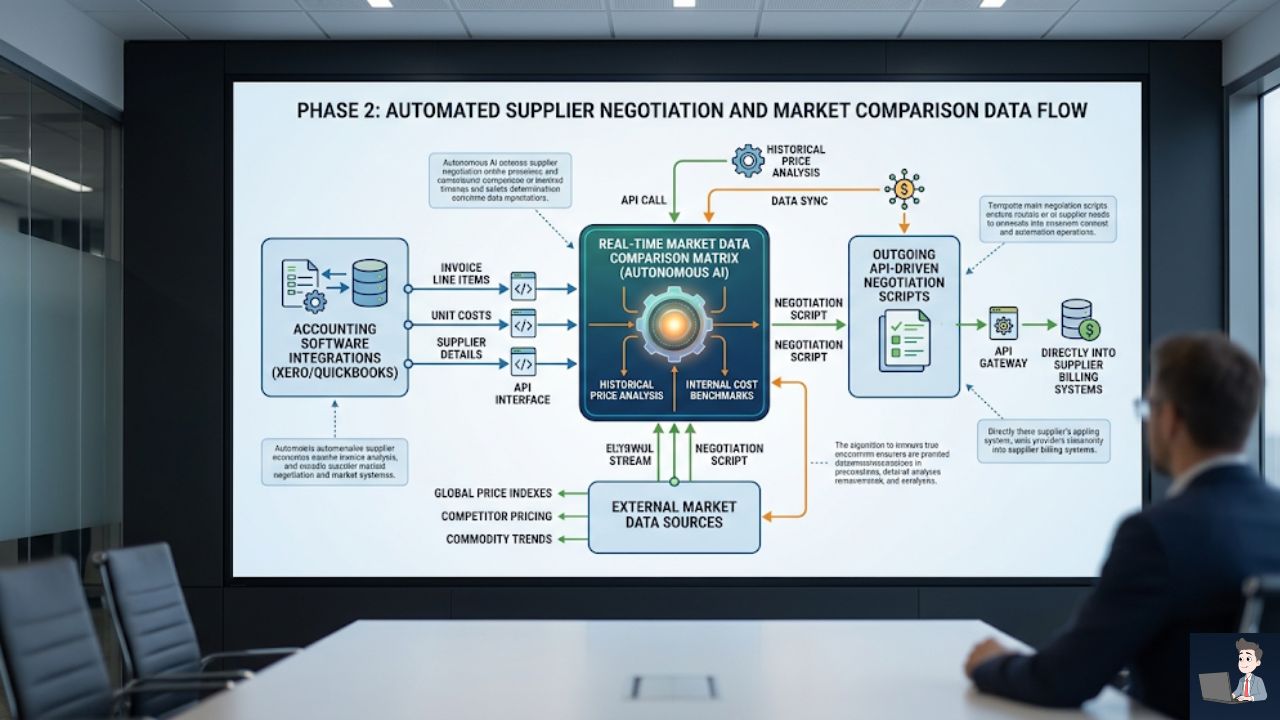
The AI does not feel awkward. It does not get tired. It simply executes the math to protect your bottom line.
Phase 3: Outsmarting AI-Driven Pricing Algorithms
You might be wondering why your subscription prices are jumping so erratically in the first place.
It is because massive software vendors are already using AI against you.
Large tech companies use Dynamic Pricing AI to analyze your buying history, your company size, and how heavily you rely on their tool. Their algorithm calculates the absolute maximum price you will tolerate before you get frustrated enough to cancel your account.
How do you outsmart their machine? You fight AI with AI.
If a vendor’s algorithm detects that you never push back on price hikes, it categorizes your account as a “Low Flight Risk.” They will raise your prices every year because they know you won’t leave.
But the moment your “Robot Negotiator” sends a firm, data-backed counter-offer mentioning a direct competitor, their algorithm panics.
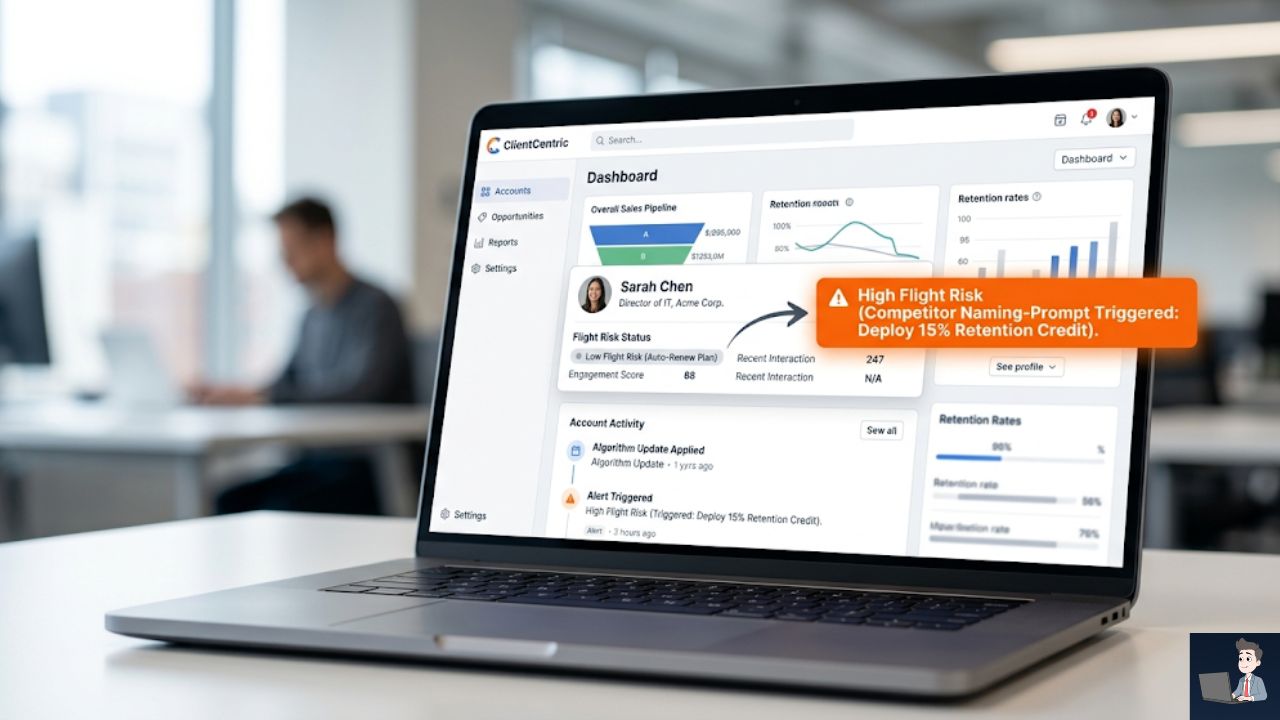
It instantly re-categorizes your account as a “High Flight Risk.” In many cases, their automated retention system will immediately approve a 10% to 15% discount just to keep your business.
Phase 4: The Playbook (When and How to Strike)
Timing is absolutely everything. Even if you are using automated scripts to draft the emails, they must be deployed at the exact right moment to trigger the vendor’s retention protocols.
- The “Quotation” Window: Always negotiate before the official invoice is generated. When they send the “upcoming renewal” notice, your system should reply within 24 hours. In business, silence implies total acceptance. Once the invoice is generated, it requires managerial approval to change, making a discount much harder to get.
- The “Wholesale” Milestone: Ask for a discount exactly when your traffic or order volume increases by 20%, or on your one-year anniversary. Have your AI trigger this exact phrase: “As our volume scales into our second year, we are requesting a volume-tiered discount of 12% to consolidate our operations with your platform.”
- The “SLA Breach” Recovery: If your web host or CRM goes down for four hours on a Tuesday, do not just complain to customer support. Have your AI instantly generate a “Service Level Agreement (SLA) Breach” notice. State the exact financial impact and request the prorated credit you are legally owed based on their uptime guarantee.
Phase 5: The DIY Route (Building Your Own API Tracker)
If you are a smaller business and don’t want to pay for a massive enterprise tool, you can build a lightweight version of this yourself. Stop relying on your memory to catch renewals.
You can use a simple Python script to connect your email inbox to a Google Sheet via an API. It acts as an automated dashboard, pulling every upcoming renewal into one place.
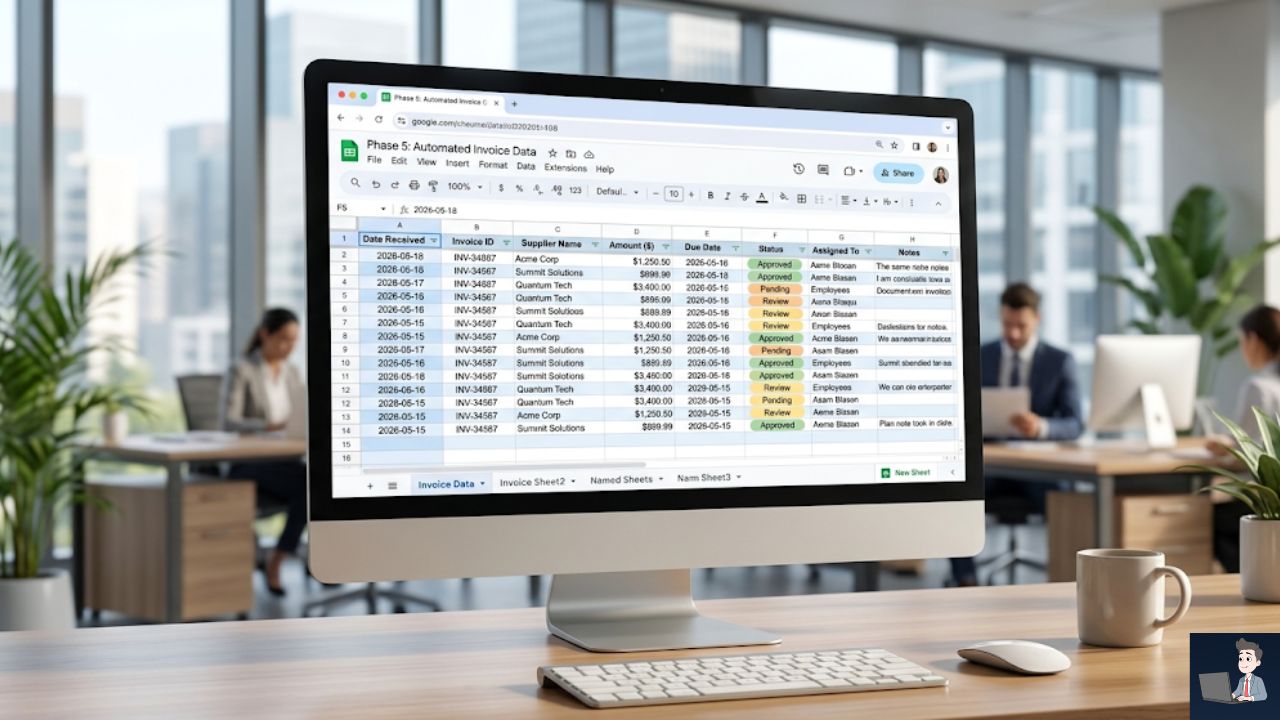
- Create an App Password: Security Prerequisite. Never use your real email password in any code. Go to your Google Account Security settings, turn on 2-Step Verification, and generate a temporary, 16-digit “App Password” specifically for this script.
- Enable the Google Sheets API: Go to the free Google Cloud Console. Create a quick project, enable the “Google Sheets API,” and download your Service Account Credentials (a small file named credentials.json). Keep this file in the exact same folder as your Python script.
- Run the Tracking Script: Copy and paste the following Python code into your editor. Update the email and password variables, and run the script to populate your tracker.
Python
import imaplib
import email
import gspread
from oauth2client.service_account import ServiceAccountCredentials

def run_renewal_tracker():
    try:
        # 1. Securely Connect to Google Sheets
        print("Connecting to your secure Google Sheet...")
        scope = ["https://spreadsheets.google.com/feeds", "https://www.googleapis.com/auth/drive"]
        creds = ServiceAccountCredentials.from_json_keyfile_name("credentials.json", scope)
        client = gspread.authorize(creds)
        sheet = client.open("Vendor Renewal Tracker").sheet1

        # 2. Connect to Your Email Inbox
        print("Logging into Email...")
        EMAIL_ACCOUNT = "your_email@gmail.com"
        EMAIL_PASSWORD = "your_16_digit_app_password_here"
        mail = imaplib.IMAP4_SSL("imap.gmail.com")
        mail.login(EMAIL_ACCOUNT, EMAIL_PASSWORD)
        mail.select("inbox")

        # 3. Search for Costly Renewals
        print("Scanning for upcoming renewals and hidden invoices...")
        status, messages = mail.search(None, '(OR SUBJECT "Upcoming Renewal" SUBJECT "Invoice")')
        email_ids = messages[0].split()

        if not email_ids:
            print("Peace of mind! No new renewals found today.")
            return

        # 4. Extract Data and Build Your Dashboard
        for e_id in email_ids[-10:]: # Scan the 10 most recent
            status, msg_data = mail.fetch(e_id, '(RFC822)')
            for response_part in msg_data:
                if isinstance(response_part, tuple):
                    msg = email.message_from_bytes(response_part[1])
                    subject = msg.get("Subject", "No Subject")
                    sender = msg.get("From", "Unknown Sender")
                    date_received = msg.get("Date", "Unknown Date")

                    # Package the data and send it to your spreadsheet
                    new_row = [date_received, sender, subject, "Pending AI Negotiation"]
                    sheet.append_row(new_row)
                    print(f"Logged: {sender} - {subject}")

        print("Dashboard update complete. Your AI is ready to negotiate!")

    except Exception as e:
        print(f"A connection error occurred: {e}")

if __name__ == "__main__":
    run_renewal_tracker()
Phase 6: The Ultimate LLM Negotiation Prompt
If you are going to handle the negotiations yourself but want the AI to do the heavy lifting of writing the actual emails, stop using outdated, static PDF templates from 2018. They will not work on a modern vendor.
Copy and paste this exact prompt into your favorite LLM to act as your “Robot Negotiator” today:
“Act as a seasoned Corporate Procurement Officer. I need to write a highly professional, polite, yet firm email to my vendor, [Vendor Name]. My annual contract for [Product/Service] is renewing next month. They are attempting to raise the price from [$X] to [$Y]. Draft an email requesting we keep the price flat at [$X], or alternatively, requesting a [Z%] discount. Cite my loyalty as a customer of [Number] years, and gently mention that I am currently evaluating cheaper competitors like [Competitor 1] and [Competitor 2] to optimize my operational budget. Do not sound angry; sound strictly business-focused and objective.”
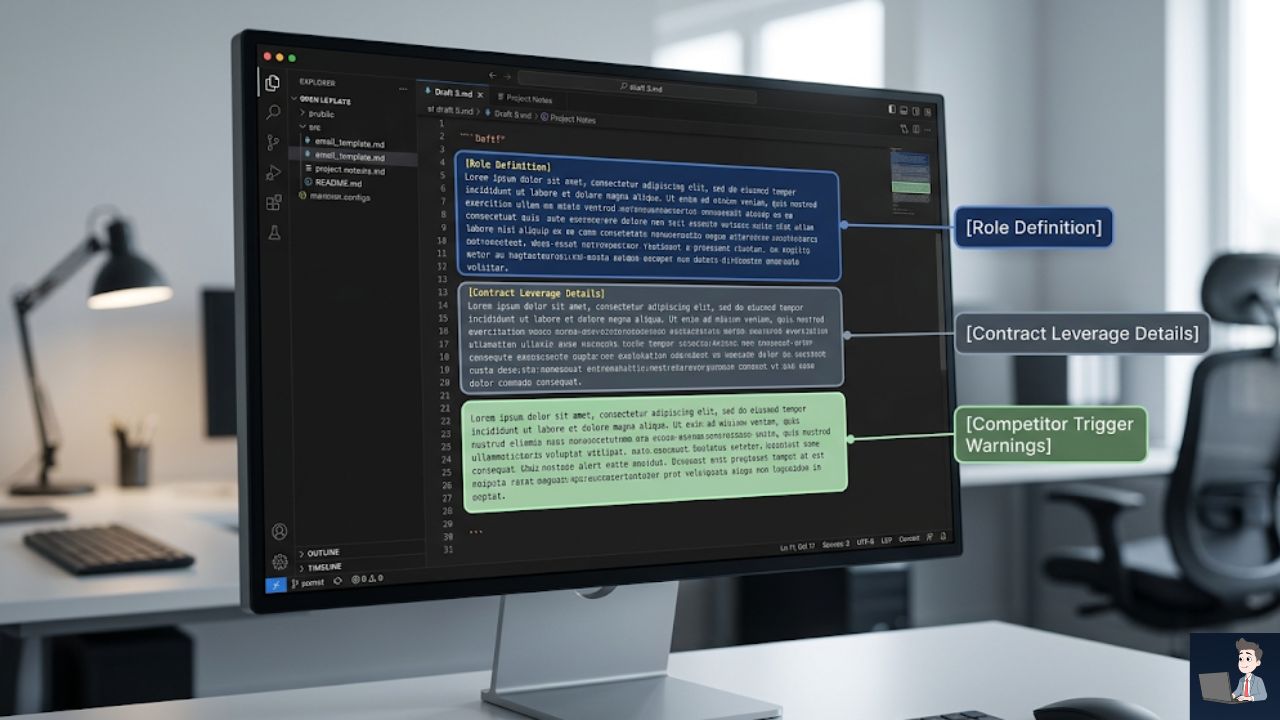
This prompt works flawlessly because it triggers the vendor’s fear of loss by specifically naming their direct competitors, while maintaining deep, professional respect.
Common Mistakes That Ruin Negotiations
I’ve made my fair share of mistakes when pushing back on vendors. Here is what you need to avoid:
- Bluffing Without Data: Do not threaten to leave if you literally cannot operate without their software. If you tell Salesforce you are leaving tomorrow but your entire sales pipeline is locked in their ecosystem, their retention team knows you are bluffing. Only name competitors you have genuinely researched.
- Accepting the First “No”: The first response from a vendor is almost always an automated rejection from a frontline support rep. That rep does not have the authority to give you a 15% discount. You must reply and politely ask to speak with the “Customer Success” or “Retention” team.
- Ignoring Annual Upfronts: If a vendor refuses to lower the monthly price, pivot your strategy. Ask them: “If I pay for the entire year upfront today, what percentage discount can you apply to the total invoice?” Cash in hand today is incredibly valuable to SaaS companies, and they will almost always give you a 10% to 20% haircut for an annual commitment.
The Bottom Line: Stop Paying the “Avoidance Tax”
Every single time you auto-renew a software contract without pushing back, you are paying a massive “Avoidance Tax.”
You are literally paying extra money out of your own pocket simply because you want to avoid an uncomfortable conversation.
In modern business, your profit margin is your armor.
Let the machines handle the awkwardness. Let the automated trackers find the renewals, let the AI draft the perfect, data-backed emails, and let the software secure your discounts.
Your only job is to sit back, approve the new, lower rate, and watch your hard-earned revenue stay exactly where it belongs—in your bank account.