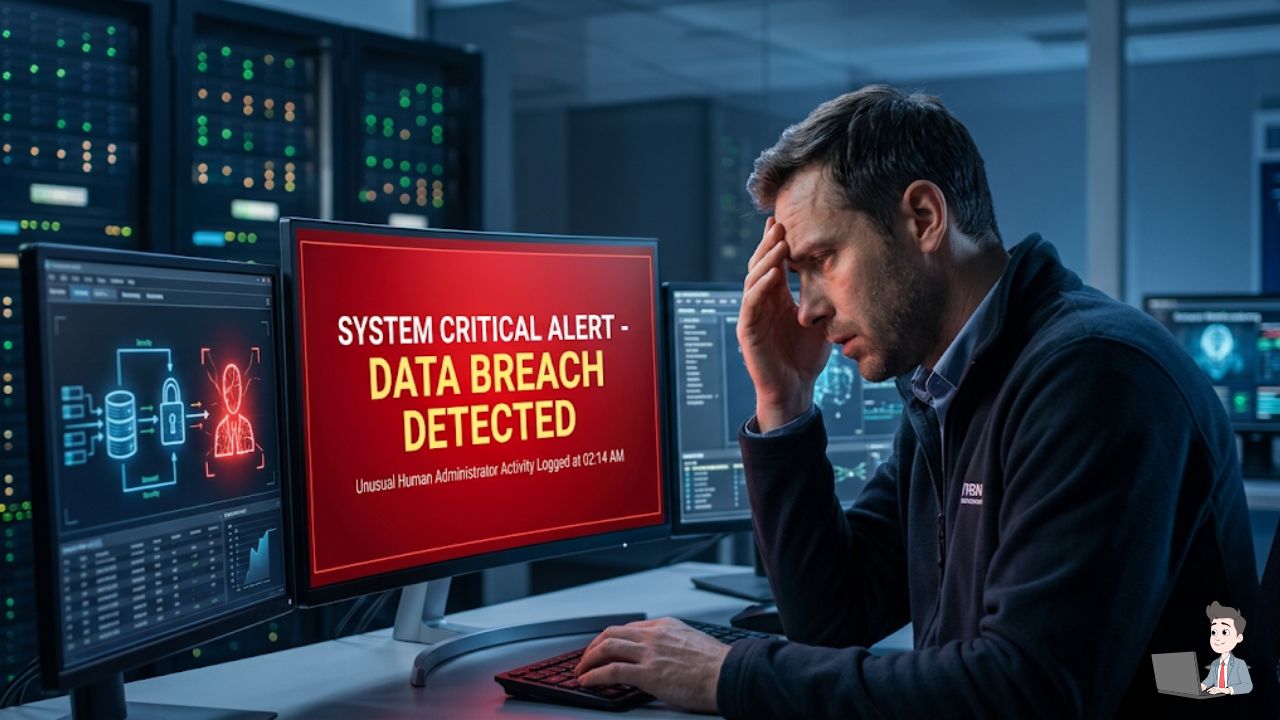
I remember waking up a few years ago to a frantic, buzzing text from a buddy who ran a small content agency.
His entire server—client assets, media libraries, financial records, and months of custom automation scripts—was suddenly locked. Instead of his usual desktop, he was staring at a terrifying red screen demanding a massive Bitcoin payment.
It’s a gut-wrenching feeling. You realize instantly how fragile your digital life actually is.
The worst part? The attackers didn’t breach his network at noon on a Tuesday when his team was alert. They launched their script at 2:00 AM on a Sunday. By the time anyone logged in with their coffee on Monday morning, the damage was completely irreversible.
Why Human Reflexes are No Longer Enough
If you are relying on human reaction time to stop a cyberattack today, you have already lost. The modern threat landscape moves at the speed of code. You simply cannot fight an automated, machine-speed attack with human-speed reflexes.
Over the years, as I’ve built out my own digital properties and managed countless automation streams, I’ve had to rethink my entire approach to security.
Here is the hard truth I’ve learned: Artificial Intelligence isn’t just a fancy buzzword anymore. It is the only viable defense we have left against modern ransomware.
The 200-Day Blind Spot
When I talk to other site owners or developers about security, the most common question I get is, “Why do I need an AI tool? Isn’t my standard firewall enough?”
The honest answer? Absolutely not. Firewalls are static walls, and modern hackers are incredibly dynamic climbers.
There is a terrifying statistic in the industry: the average time it takes a human-led IT team to detect a network breach is over 200 days.
That means an attacker can wander around your servers for more than six months, quietly finding your backups and preparing the perfect strike, all before anyone notices. Humans have to sleep and eat. AI doesn’t.
Why Your Antivirus is Basically a Screen Door
To understand why AI is necessary, you have to understand why old-school security fails. Traditional antivirus software works like a digital “Wanted Poster.”
It has a list of known virus fingerprints. If a file matches a fingerprint, it blocks it. But what happens when a hacker uses an AI tool to rewrite that malware’s code slightly?
The fingerprint changes. The traditional antivirus looks at the file, shrugs, and lets it right in. It’s completely blind to anything that hasn’t been “officially” documented yet.
The “Bouncer” Method: How AI Stops the Hack
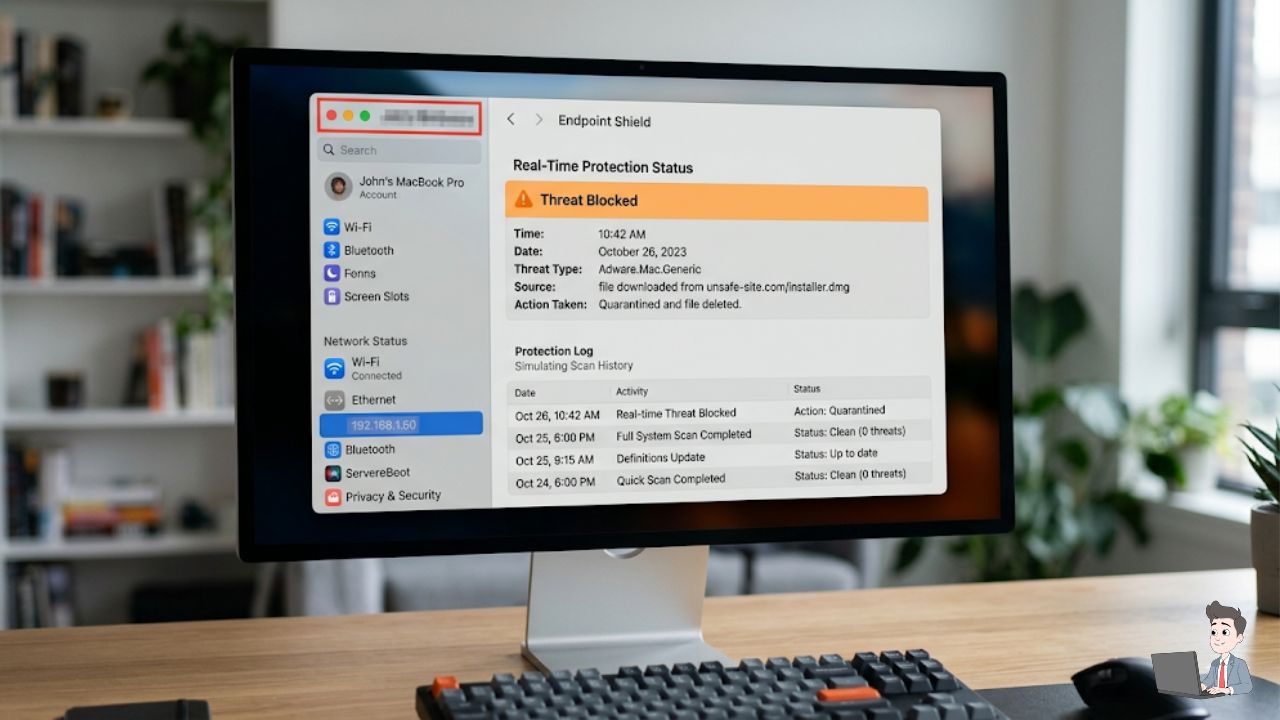
This is where AI swoops in through a process called Heuristic Analysis. Instead of looking for a fingerprint, AI security agents look at behavior.
Think of it like a bouncer at a high-end club. The bouncer isn’t just checking IDs; they are watching how people act. If someone starts acting erratic or aggressive, the bouncer kicks them out—regardless of whether they are on a VIP list.
Let’s look at a practical scenario from my own workflow.
In a normal workday, I might open five text documents and run a Python script. The AI learns this baseline. But suddenly, at 3:01 AM, a background process attempts to rapidly encrypt 5,000 files in three seconds.
A traditional antivirus might let this happen. But an AI-driven tool (like SentinelOne or CrowdStrike) immediately spots the anomaly. It realizes: “Humans don’t click that fast. This is malicious.”
It kills the process and neutralizes the threat before you even wake up.
The Magic Trick: The “Rollback” Feature
No system is 100% flawless. So, what happens if a piece of ransomware actually manages to encrypt a folder before the AI catches it?
In the old days, that data was gone forever. This is where advanced AI security tools show off a feature that genuinely feels like magic: Shadow Copy Rollback.
The moment the AI agent detects an aggressive encryption attempt, it instantly takes a hidden, secure snapshot of your files.
If the malware succeeds in scrambling your data, the AI wipes out the malicious code and simply “rewinds” your system to that clean snapshot. It is literally an undo button for a cyberattack.
Stop Using Text Messages for Your Passwords
You don’t have to run a massive server farm to benefit from this mindset. As a digital creator, you are a prime target.
The easiest way a hacker gets into your system isn’t by writing genius code; it’s by stealing your password via AI-generated phishing emails.
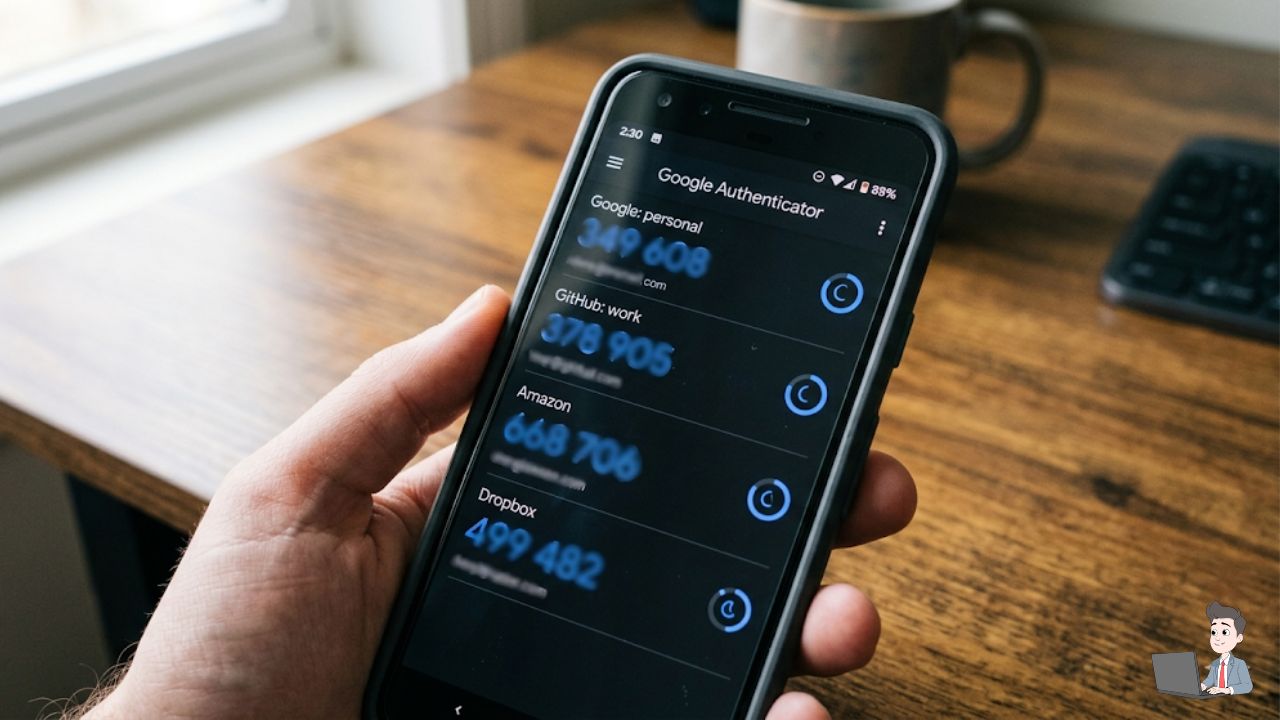
Once they have your password, your last line of defense is Two-Factor Authentication (2FA). But if you are still using SMS text messages for your 2FA, you are making a massive mistake.
Text messages are easy to intercept through “SIM-swapping.” A hacker can trick your carrier into moving your number to their device. Suddenly, they are getting your bank’s login codes, not you.
How to fix this today:
- Download a dedicated app like Google Authenticator or Authy.
- Go into your security settings for your email and domain registrar.
- Turn off “SMS verification” and turn on “Authenticator App.”
My Biggest Mistake: Trusting “Sync” as a Backup
I’ll share a painful lesson I learned early on. I used to think having Google Drive or Dropbox installed meant my files were “backed up.”
That is not a backup. That is a sync.
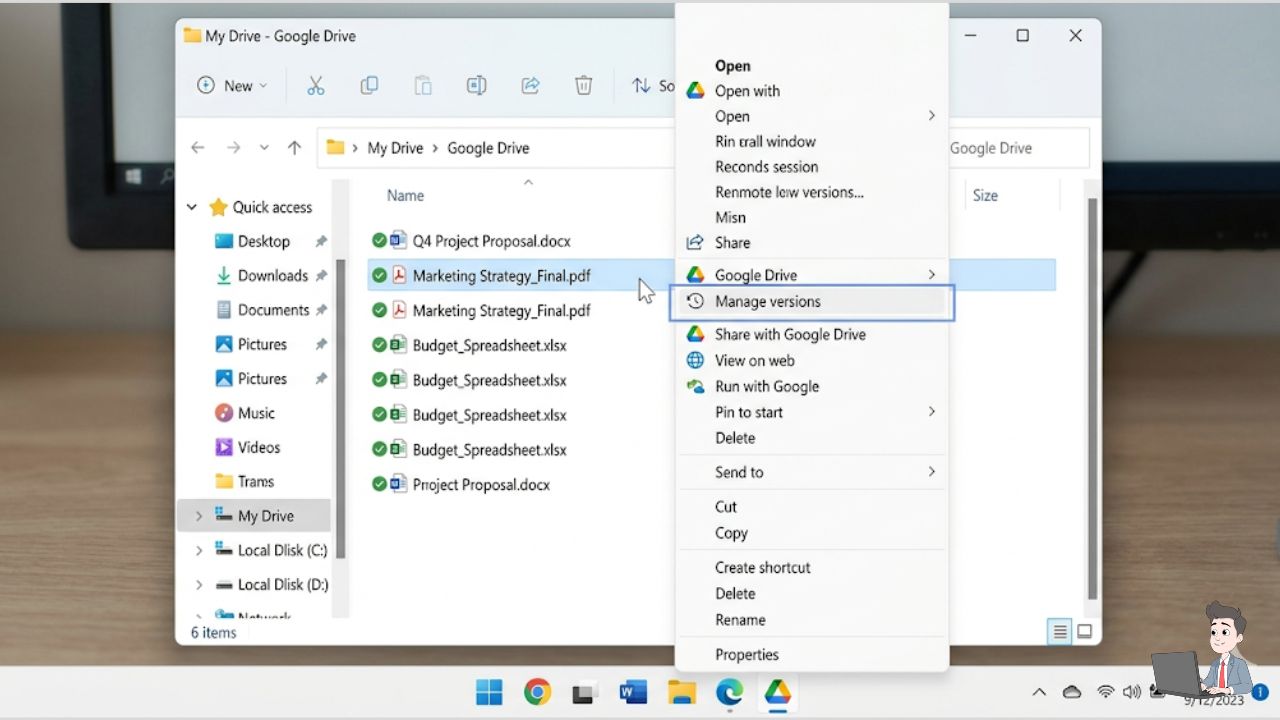
If ransomware encrypts a file on your local hard drive, the sync client sees the change and happily uploads the newly encrypted file to the cloud, overwriting your good data. I almost lost a massive design project this way.
You need a true backup solution that supports versioning. This means the provider keeps historical snapshots. If your current file gets locked, you can simply log in and click “Restore to the version from yesterday.”
Becoming a Hard Target
Security isn’t about building an unhackable fortress. That doesn’t exist. Security is simply about making yourself too annoying and too difficult to hack.
When you automate your defenses and move away from outdated “fingerprint” scanners, you force the attackers to move on to an easier target.
Take an hour this weekend. Move your critical logins to an authenticator app and check your cloud versioning settings. You’ll sleep a lot better knowing an AI is pulling the night shift for you.
Security Disclaimer: The information in this article is for educational purposes and reflects my personal experiences with cybersecurity tools. While AI significantly enhances defense, no tool can guarantee 100% protection. Always consult with a dedicated security professional for enterprise-level data protection.
About the Author: Olivia is an automation specialist and the founder of Profit Shield AI. She spends her time building Python-based content engines and testing the latest AI defensive tools to keep digital assets secure in an increasingly automated world.